
Organise Opportunities—and Make Next Actions Clear
Bring enquiries, contacts, conversations and next actions into one organised system so your team can see what is progressing, what needs attention and where opportunities are being lost.
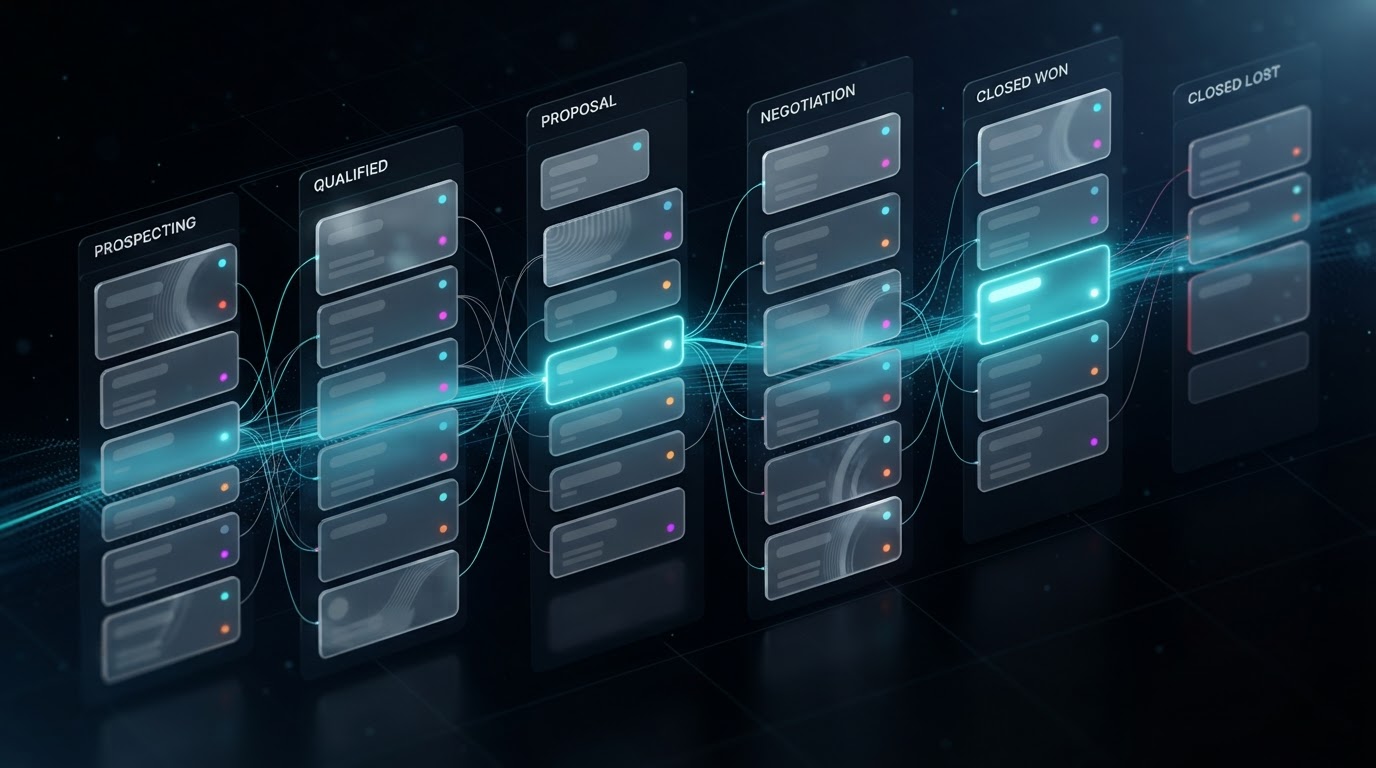
When Information Is Scattered, Opportunities Become Invisible
Businesses rarely lose control because they lack information. They lose control because that information is divided between inboxes, spreadsheets, notebooks, telephone conversations and individual members of staff.
No single view of the pipeline
Managers cannot quickly see every active enquiry, quotation, candidate, appointment or opportunity.
Ownership is unclear
Staff do not always know who is responsible for the next action or when it should happen.
Follow-up depends on memory
Quotes, prospects and previous conversations are forgotten because tasks are handled manually.
Reporting cannot be trusted
If stages and outcomes are not recorded consistently, the business cannot accurately understand conversion, workload or lead quality.
A Clear Journey from First Contact to Final Outcome
The pipeline is designed around the business's genuine process. It should make the next action obvious without forcing every organisation into the same generic stages.
1. Opportunity enters
A form submission, telephone enquiry, booking, referral or manually added contact creates or updates the appropriate record.
2. Information organised
Contact details, enquiry information, source, notes and relevant tags are stored against the record.
3. Ownership assigned
The opportunity is assigned to the appropriate person, team or process.
4. Progress recorded
Pipeline stages reflect meaningful events such as qualification, consultation, quotation, interview, placement, decision or completion.
5. Next actions triggered
Stage changes can create tasks, notifications or approved follow-up actions so the opportunity continues moving.
Automation supports the process, but important stage changes should only happen when reliable information or an appropriate human action confirms them.
Context in One Place—and What Implementation Can Include
A useful CRM record helps a team member understand an opportunity without searching several systems. The implementation below shows what LeadAI can configure to make that possible.
What each record can show
Available information depends on the agreed setup and connected platforms. Not every external call, email or document is automatically recorded unless the required integration exists.
What CRM implementation can include
The final scope depends on the size of the team, existing platforms, data condition, permission requirements and the complexity of the business process.
Team members should have access appropriate to their role. Automation can create visibility and prompts, but staff remain responsible for accurate records, decisions and sensitive conversations.
One Foundation—Different Operational Pipelines
Recruitment agencies
Candidate enquiry → Initial review → Registration → Interview → Submitted → Placement or nurture
LeadAI can complement an agency's existing process and is not presented as a replacement for a specialist ATS.
Trades and local services
New enquiry → Qualified → Site visit → Quote issued → Follow-up → Won or lost → Job complete
Other enquiry-led businesses
New opportunity → Contacted → Consultation booked → Proposal or next action → Decision → Customer journey
These are examples only. Actual stages are agreed during process mapping.
The CRM Connects the Entire Opportunity Journey
The CRM is not presented as a standalone contact database. It provides the organised foundation that allows forms, follow-up, missed-call responses, calendars, team notifications and reporting to work together.
Can You See What Is Happening to Every Opportunity?
Book a Growth System Audit to map your current pipeline, identify visibility and ownership gaps, and determine what a connected CRM process should look like.